2026-06-29 · 5 min
How focus blocks actually protect deep work
Calendar blocks don't protect focus - they just decorate it. Real protection lives at the data layer.
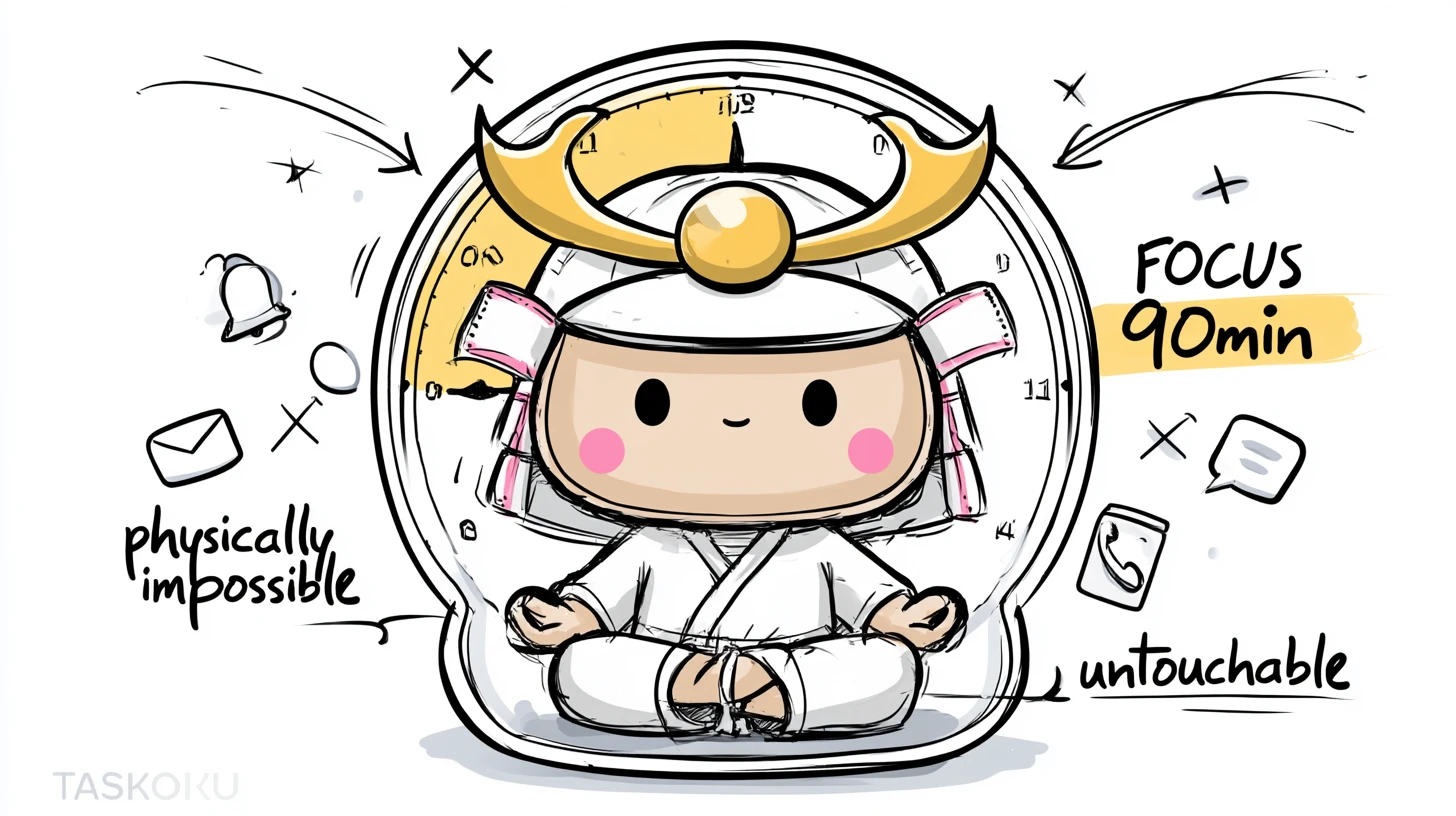
You blocked 9-11am for deep work. Slack pinged at 10:15. Marketing booked "a quick sync" over your block. By 11am you''ve shipped two emails and forgotten what you were supposed to focus on.
The block was decorative. It made you feel like you were planning. It didn''t actually plan anything.
Why "time blocking" doesn''t stick
Most calendar apps treat your focus block exactly like a TPS report meeting - an invitation to be overwritten.
The tools treat your focus block like a TPS report meeting - an invitation to be overwritten. So you block 9-11am, marketing schedules a "quick sync" at 9:30, you move your deep work to "later". Later never comes.
Real protection happens at the data layer
Not the UI layer. The "physically impossible to book over" layer.
Taskoku enforces it as a hard constraint. If you have a focus block from 9-11am Tuesday, the app will literally not let you create another block that overlaps it. Not "warn you" - refuse.
Try one focus block this week
Pick one 90-minute slot next week. Mark it focus. See what happens when nothing can overlap it. The first time you reply "no, I have a focus block" without guilt - that''s when you''ll get it.
Try it free during MVP
Reading won't plan your week. WabiTask will.
Three minutes to sign up. Five minutes to plan the week. The rest of the time goes to actually doing the work.
Now
Free
during MVP
Yearly
$3/mo
$36/year
Lifetime
$99
1000 spots
No credit card · Cancel anytime · 30-day refund on paid plans
